Sonoff Basic DIN Rail – Relay module, 1‑circuit, with energy monitoring, DIN‑rail mount, 32A, Zigbee, Bluetooth
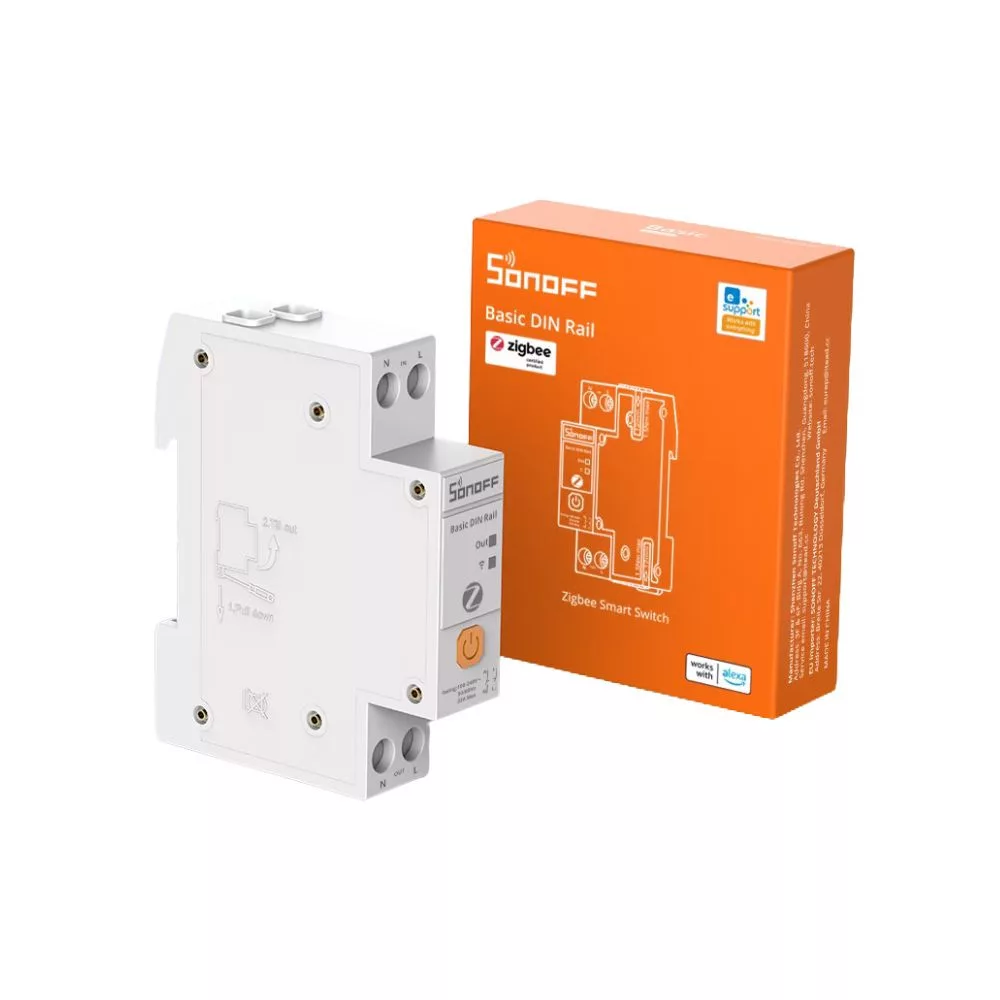
The SONOFF BASIC DIN Rail (BASIC-ZB1GSP) is a Zigbee 3.0 single-channel DIN rail-mounted smart relay with energy monitoring.
All product prices include VAT.
Note: Guest users see prices with estimated VAT amount. The payable price with your local value-added tax amount will be calculated based on your shipping address, added at checkout or set in your user profile.

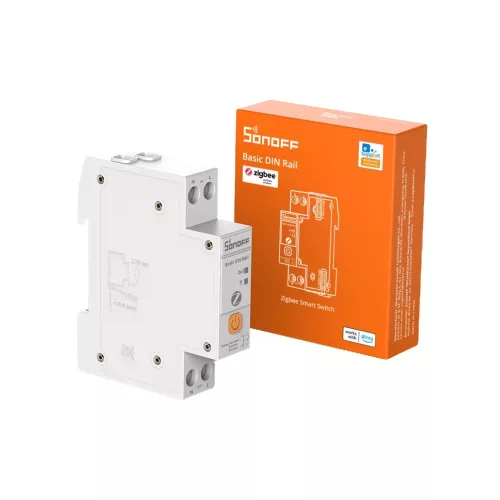


The SONOFF BASIC DIN Rail (BASIC-ZB1GSP) is a Zigbee 3.0 single-channel DIN rail-mounted smart relay with energy monitoring. The device operates on a single-phase 100–240 V AC electrical system and can switch circuits with a current of up to 32 A and a load of up to 7680 W. It is designed for installation in residential or light commercial distribution boards after the protective device.
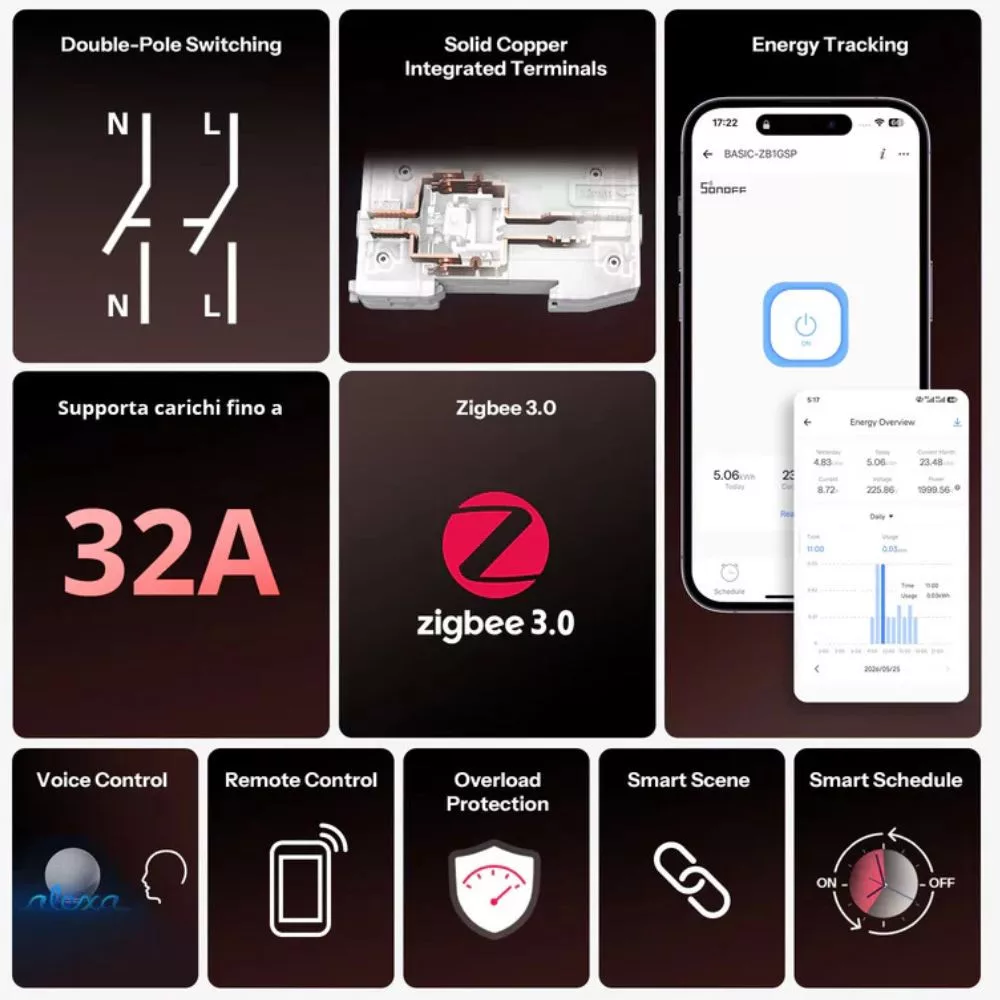
The BASIC-ZB1GSP measures mains voltage, current, instantaneous power, and consumed energy. In the eWeLink system, daily, weekly, monthly, and up to 180 days of consumption data can be viewed, while historical measurement data can be exported. Switching and consumption data can also be used as automation conditions.
The device provides configurable overcurrent, overvoltage, undervoltage, and overload thresholds. When a configured limit is reached, the relay disconnects the connected circuit and can be switched back on remotely once the abnormal condition has cleared. The enclosure is made of UL94 V-0-rated flame-retardant PC plastic.
Communication is handled through the Zigbee 3.0 protocol. With a SONOFF Zigbee gateway, the device can be integrated into the eWeLink system, while a compatible coordinator allows integration with Home Assistant, Zigbee2MQTT, and other Zigbee-based systems. The Zigbee mesh network provides low-latency local communication and expandable coverage through other mains-powered network devices.
About SONOFF
SONOFF manufactures smart home devices, relay modules, energy meters, wall switches, Zigbee sensors, control panels, gateways, and various electrical installation accessories. Its product range includes devices using Wi-Fi, Zigbee, Matter, and LAN communication.
SONOFF devices are primarily built around the eWeLink platform, but many products can also be integrated with Home Assistant, Zigbee2MQTT, ZHA, SmartThings, Alexa, Google Home, and other smart home systems. In addition to residential smart home solutions, the manufacturer also offers DIN rail-mounted devices, energy monitoring solutions, and products suitable for professional installations.
Key Product Features
- Zigbee 3.0 communication: Uses low-latency wireless communication and mesh networking.
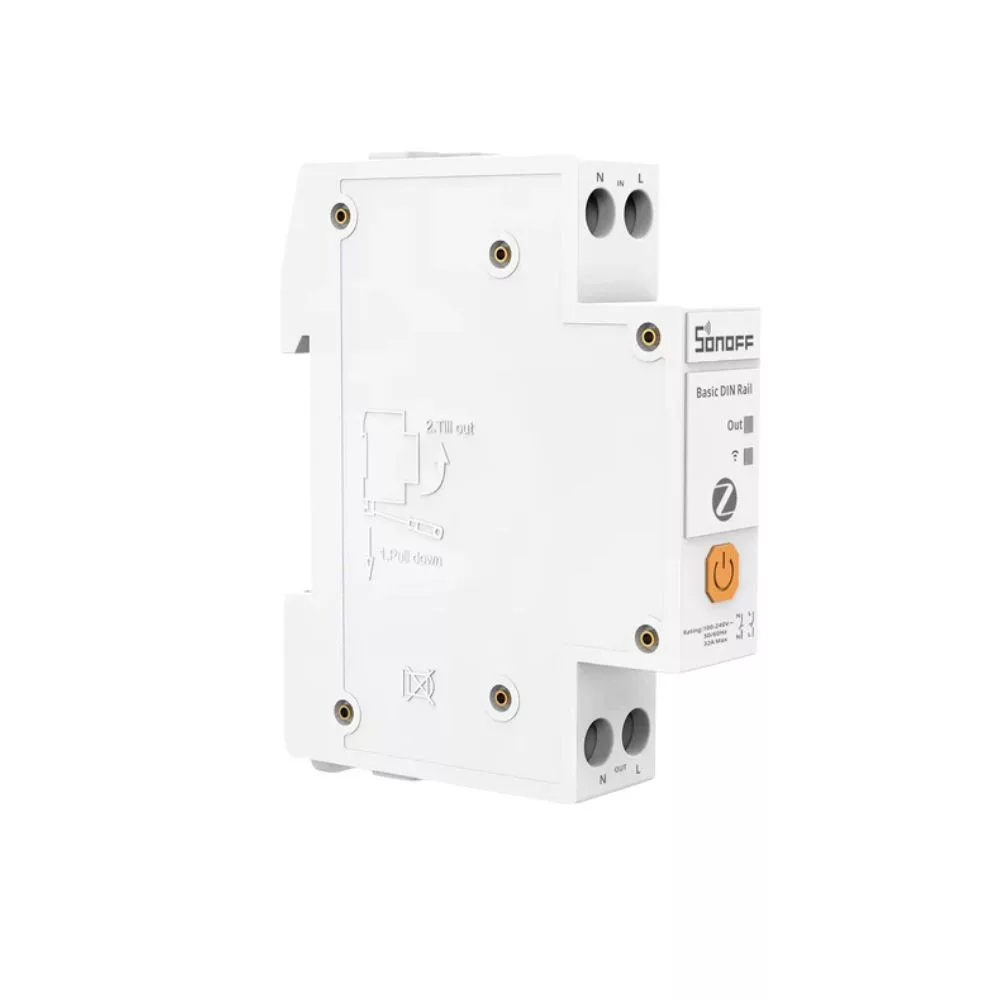
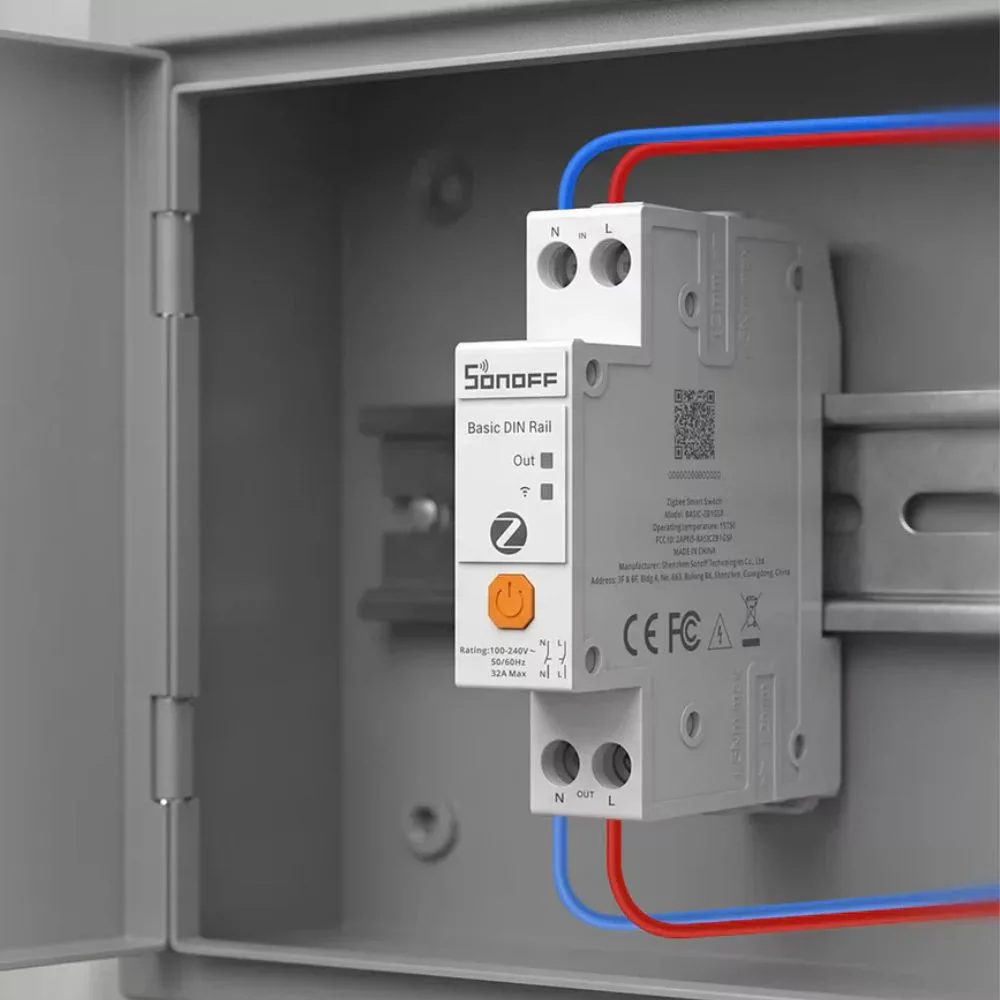
- DIN rail-mounted design: Fits into a standard electrical distribution board and occupies one DIN module.
- 32 A switching capacity: Controls a single-phase circuit rated up to 32 A and 7680 W.
- Real-time energy monitoring: Measures instantaneous voltage, current, power, and total energy consumption.
- Energy history: eWeLink displays daily, weekly, monthly, and 180-day consumption reports.
- Data export: Energy data from the previous 180 days can be exported for further processing.
- Electrical protection settings: Current, voltage, and power thresholds can be configured, and the relay switches off when a limit is exceeded.
- Remote restart: After a protective shutdown and once the abnormal condition has cleared, the output can be switched back on remotely.
- Timed operation: Scheduling, delayed switching, cyclic timing, and inching can be configured.
- Automation conditions: Relay state, power, and energy consumption can be used to control other devices.
- UL94 V-0 enclosure: The PC plastic housing is self-extinguishing and has a high flame-retardant rating.
Smart Home Protocols and Platform Compatibility
- Zigbee 3.0: Uses IEEE 802.15.4-based communication. A compatible Zigbee gateway or coordinator is required.
- eWeLink: With a SONOFF Zigbee gateway, remote switching, energy monitoring, scheduling, event history, notifications, protection settings, and automations are available.
- Recommended SONOFF gateways: ZBBridge-P, ZBBridge-U, NSPanel Pro, and iHost.
- Additional SONOFF coordinators: ZBDongle-P and ZBDongle-E can be used with compatible local Zigbee systems.
- Home Assistant: Can be connected to a local system using a compatible Zigbee coordinator and suitable integration.
- Zigbee2MQTT: Supports relay control, power-on state, inching, network indicator light, voltage, current, power, and energy data, as well as overcurrent, overvoltage, and overload settings.
- MQTT integration: When Zigbee2MQTT is used, switching and measurement data can be managed through MQTT messages. The MQTT connection is created by the Zigbee2MQTT system.
- ZHA: Can be used with a compatible Home Assistant ZHA coordinator. Available entities and settings depend on the current level of integration support.
- Amazon Alexa: Can be switched on and off by voice through eWeLink account linking.
- Google Home: Supports remote and voice control through eWeLink account linking.
- Samsung SmartThings: Can be switched on and off through the eWeLink cloud connection and used in SmartThings automations.
- IFTTT: Switching state and control can be used in IFTTT automations through eWeLink integration.
- Local operation: When used with Home Assistant and a local Zigbee coordinator, switching and current measurement data can be managed without an internet connection.
Smart Features
- Remote switching: The connected circuit can be switched on and off from the eWeLink app or a compatible smart home system.
- Local switching: A short press of the front button directly switches the relay.
- Current state monitoring: The system displays whether the relay output is on or off.
- Real-time measurement data: Current voltage, current, power, and energy consumption can be displayed.
- Energy history: eWeLink displays daily, weekly, monthly, and up to 180 days of consumption data.
- Data export: Energy consumption data from the previous 180 days can be exported.
- Offline data storage: If the Zigbee connection is interrupted, energy data continues to be stored locally and is synchronized when the connection is restored. No new data can be recorded during a complete power outage.
- Scheduling: Automatic on/off switching can be configured for specified times.
- Delayed switching: The relay performs the configured action after the specified delay.
- Cyclic timing: The relay can perform repeated on/off cycles at predefined intervals.
- Recurring schedules: Switching actions can be repeated on selected days or during selected periods.
- Alternating timer: Consecutive on and off periods can be configured.
- Inching: The relay can automatically return to the opposite state after the configured time. The duration can be set from 0.5 seconds to 23 hours, 59 minutes, and 59.5 seconds.
- Automatic on or off: The inching function can be configured to perform either automatic switching on or automatic switching off.
- Overcurrent protection: The device disconnects the load when the configured current threshold is exceeded.
- Overvoltage protection: The relay switches off when the upper voltage threshold is exceeded.
- Undervoltage protection: The device disconnects the output when voltage falls below the configured lower threshold.
- Overload protection: The connected circuit is switched off when the configured power threshold is exceeded.
- Protection lockout indication: When overload protection is active, the red status LED flashes rapidly and continuously to indicate the locked state.
- Remote restart: Once the protective event has cleared, the relay can be switched back on from the app.
- Smart scenes: Relay state, power, and energy consumption can be used as automation conditions or actions.
- Device sharing: Device control can be shared with other eWeLink accounts.
- Switching log: Switching and control events from the previous three months can be reviewed.
- Push notifications: The system can send notifications about switching status and consumption events.
- Power-on state: After a power outage, the relay can start in the on, off, or previous state.
- Network indicator light: The blue network LED can be turned on or off in the app.
- Factory reset: The device can be reset by deleting it from the eWeLink app or by holding the front button.
- OTA firmware update: Wireless updates are supported when using a compatible Zigbee gateway or Zigbee2MQTT system.
Electrical Functions
- Power supply: 100–240 V AC, 50/60 Hz.
- Electrical system: Designed for single-phase use.
- Rated current: Up to 32 A.
- Maximum load: 7680 W.
- Number of switched circuits: Controls one single-phase circuit.
- Relay output: The device switches the power supply of the connected circuit.
- Energy monitoring: Measures voltage, current, instantaneous power, and consumed energy.
- Protection thresholds: Current, voltage, and power limits can be configured.
- Protective shutdown: The relay automatically disconnects the circuit when the configured overcurrent, overvoltage, undervoltage, or overload threshold is reached.
- Protection reset: Once the abnormal condition has cleared, the device can be switched back on remotely.
- Upstream protection: The manufacturer requires a circuit breaker or RCBO with overcurrent protection, rated at no more than 32 A and compliant with local regulations, to be installed upstream of the BASIC-ZB1GSP.
- Wiring: The live and neutral input and output terminals must be connected according to their markings.
- Terminal polarity: Reversing the L and N conductors may damage the device and create a hazardous condition.
- Local control button: A short press directly switches the relay on or off.
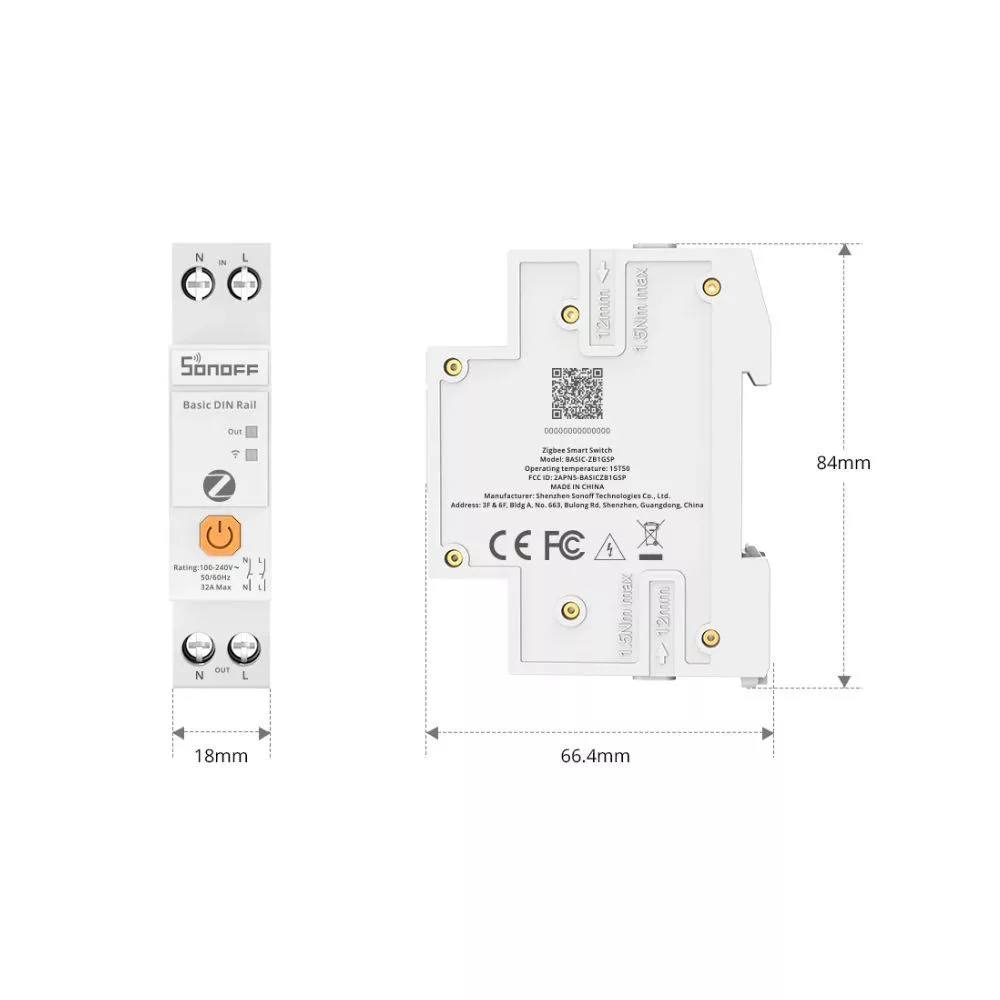
- DIN rail width: The 18 mm device width corresponds to one standard DIN module.
Technical Specifications
- Product name: Basic DIN Rail (Zigbee version)
- Product type: SONOFF Zigbee Smart Switch
- Model: BASIC-ZB1GSP
- Ratings: 100–240 V AC, 50/60 Hz, up to 32 A
- Maximum load: 7680 W
- Zigbee: IEEE 802.15.4
- Net weight: 93.5 g
- Dimensions: 84 × 66.5 × 18 mm
- Colour: White
- Housing material: PC
- Installation environment: Indoor
- Operating temperature: 15T50, -15 °C to +50 °C
- Operating humidity: 10–90% RH, non-condensing
- Certifications: CE, RoHS, FCC, CP65, Zigbee 3.0
Additional Features
- Installation: Can be installed in an electrical distribution board with a standard DIN rail.
- Placement: The manufacturer recommends installing the device after the associated 32 A circuit breaker or RCBO.
- Applications: Can be used to monitor circuits supplying larger single-phase loads such as EV chargers, electric underfloor heating, heat pumps, water heaters, or large household appliances.
- Pairing: On first power-up, the device automatically enters pairing mode. Pairing stops after 180 seconds if it does not connect to a gateway.
- Pairing button: Holding the button for five seconds starts pairing mode. A short press during pairing cancels the process.
- Factory reset: Holding the button for more than ten seconds and releasing it initiates a factory reset.
- Red status indicator: Lights when the relay is on and turns off when the relay is off. Rapid continuous flashing indicates a lockout caused by overload protection.
- Blue network indicator: Slow flashing indicates pairing mode, rapid flashing indicates a gateway connection error, and a steady light indicates a successful connection.
- Zigbee Identify: The blue LED is active when the gateway sends a Zigbee Identify command to locate the device.
- Enclosure flammability: The device housing is made of self-extinguishing UL94 V-0-rated PC plastic.
- Installation requirements: Wiring, maintenance, and troubleshooting must be carried out by a qualified electrician with the circuit de-energized.
- Single-phase use: Conductors from different phases of a multi-phase electrical system must not be connected to the device terminals.
- Integration differences: Available measurement, protection, and configuration functions depend on the Zigbee gateway, integration, and software version being used.