Homey Bridge smart home gateway + Homey Energy Dongle (bundle)
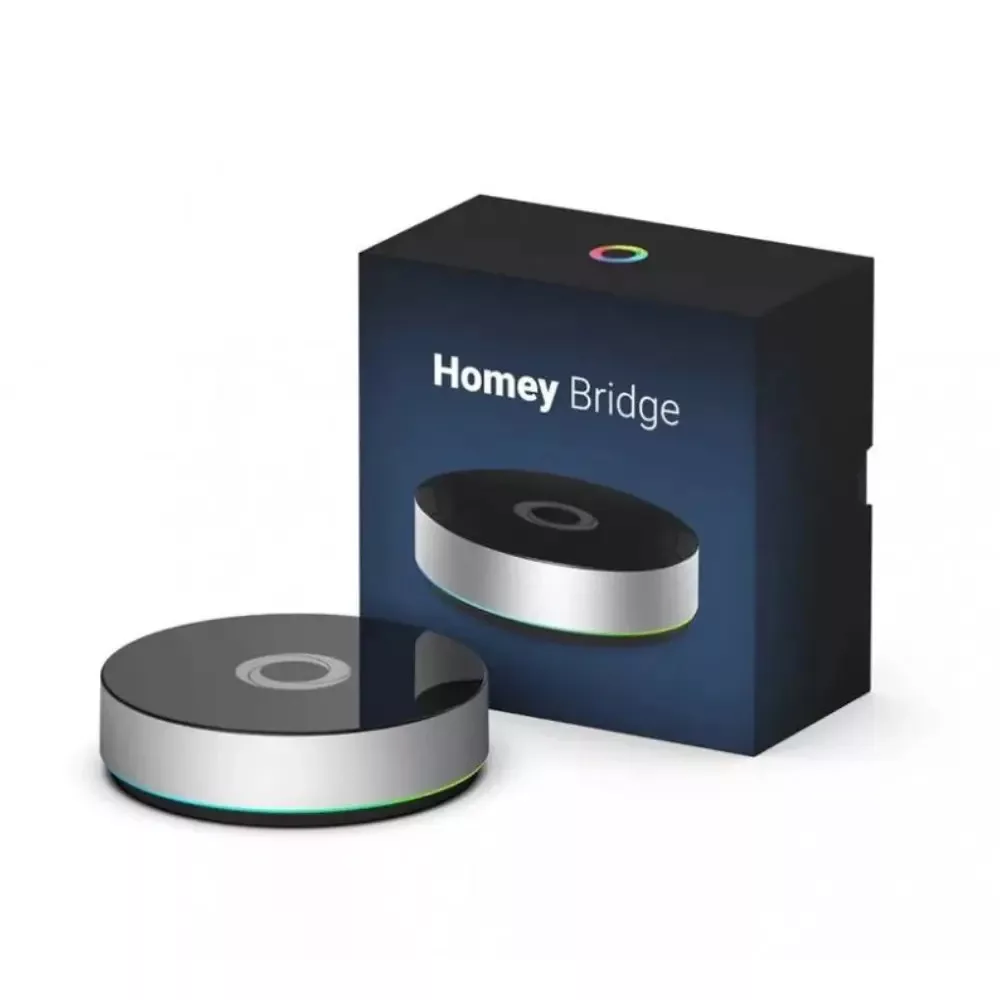
Transform your home into a seamless smart environment with the Homey Bridge, a powerful yet user-friendly smart home gateway that can connect to your devices effortlessly.
Homey Bridge can work in a standalone mode as a cloud-based gateway, or integrate with Homey Pro to extend the wireless coverage of the powerful local hub.
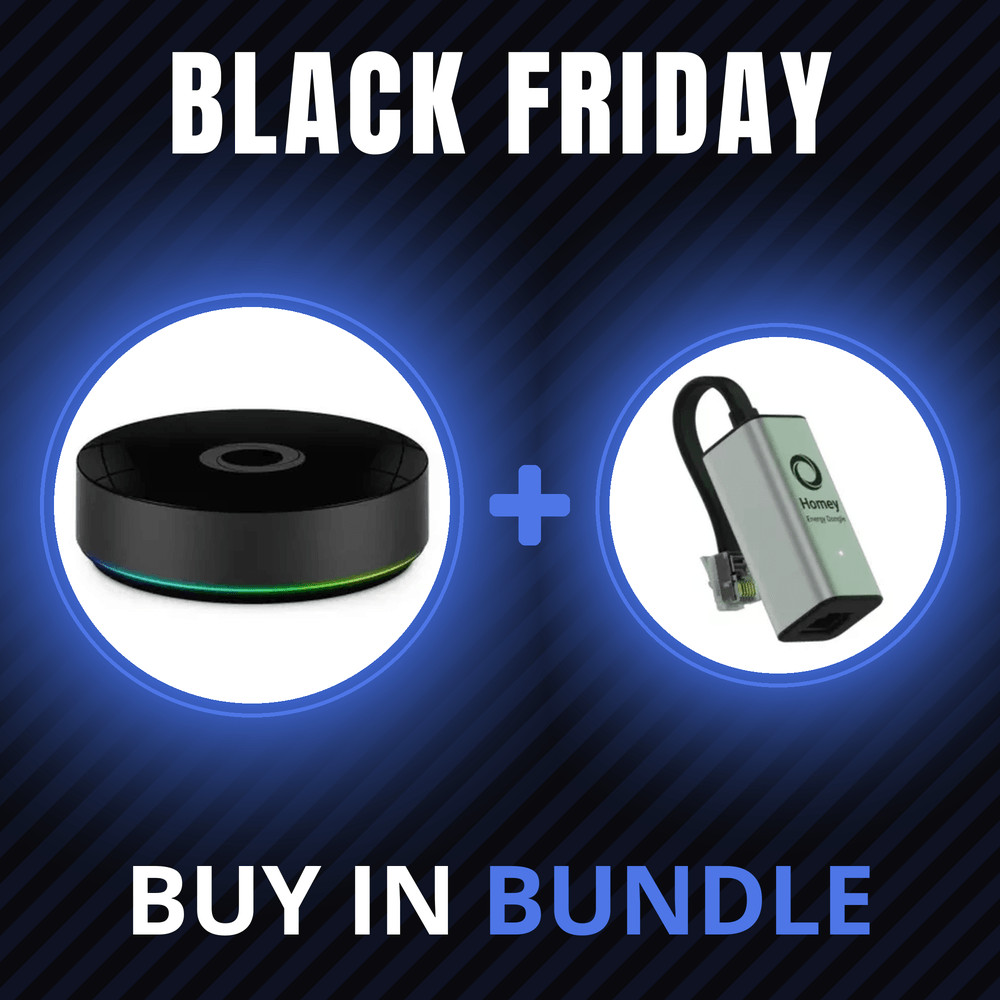
Get the Homey Bridge bundled with Homey Energy Dongle at a special discounted price!
All product prices include VAT.
Note: Guest users see prices with estimated VAT amount. The payable price with your local value-added tax amount will be calculated based on your shipping address, added at checkout or set in your user profile.


Transform your home into a seamless smart environment with the Homey Bridge, a powerful yet user-friendly smart home hub that connects all your devices effortlessly. Whether you're managing lights, security systems, or entertainment devices, Homey Bridge integrates them all in one convenient platform.
With all relevant smart home protocols built-in, Homey Bridge lets your devices talk effortlessly with each other.
- Wi-Fi - Homey Bridge connects to the cloud using your home's Wi-Fi network.
- Zigbee - A popular mesh-enabled protocol mainly used for lights, remotes and plugs.
- Bluetooth - Low-energy protocol for many smart home devices.
- Z-Wave - A mesh-enabled technology used mostly for smart sensors and plugs.
- 433 MHz - One-way communication often used in smart devices that are a bit older.
- Infrared - Control your TV, Stereo tuner and speakers with this classic protocol.
Features:
Unified Control Center: Homey Bridge supports a wide range of wireless protocols, including Zigbee, Z-Wave, Wi-Fi, Bluetooth, 433MHz, and Infrared, making it compatible with over 50,000 devices from major brands. Control everything through one app and avoid the hassle of juggling multiple systems.
Voice Assistant Compatibility: Seamlessly integrates with popular voice assistants like Amazon Alexa and Google Assistant, allowing you to manage your smart home with simple voice commands. Just ask, and Homey Bridge will make it happen.
Automated Routines: Set up custom automation rules using the intuitive Homey Flow feature. Automate your lighting, thermostats, and security systems based on time, location, or even the weather. Enjoy the convenience of a truly intelligent home that adjusts to your lifestyle.
Privacy-First Approach: Your data is kept secure with Homey Bridge’s privacy-first design. No camera or microphone is built-in, and all your automation runs locally or through secure servers, ensuring your data stays private.
Remote Access: Stay connected to your smart home from anywhere. With Homey Bridge, you can manage your devices and monitor your home, even when you're miles away, all through the Homey app.
How to use Home Bridge:
- You may use Home Bridge as an extension to your Home Pro local hub to extend wireless coverage throughout your entire home.
In such a case, you can enjoy the Homey Pro powerful local features through Home Bridge, just used an additional bridge to extend the coverage.
Zigbee & Z-Wave enhance your mesh network as repeaters, 433 MHz1 & Infrared control the nearest devices. - You may decide to use it as a standalone bridge, in such case it works as a cloud-based Homey bridge, and requires internet connection to work.
Integration and Compatibility:
Homey Bridge offers broad compatibility, supporting popular smart home ecosystems and devices such as Philips Hue, Sonos, IKEA TRÅDFRI, Yale, and Netatmo, among many others. Whether you're using Zigbee for lighting or Z-Wave for sensors, Homey Bridge integrates seamlessly with your setup.
Get Started with Ease:
Setting up Homey Bridge is a breeze. Simply connect it to your Wi-Fi network, download the Homey app, and start adding your devices. No complex installations, just a quick and easy process that gets you up and running in minutes.
Just place Homey Bridge in a central, open space in your home, such as the Living Room, next to the TV. Note that infrared signals travel from the top, and cannot penetrate walls.
Home Bridge can support so many devices
Homey Bridge allows you to connect approximately 240 Z-Wave devices and 50 Zigbee devices.
There is no hard limit on the amount of Bluetooth Low Energy, Infrared and 433 MHz devices. (Please note that an active Homey Premium subscription is required to connect more than five devices.)
Home Bridge - a fantastic cloud-based smart home hub
When used in standalone mode (without Homey Pro), Homey Bridge requires an active internet connection to function. When the internet in your home is offline, Flows that make use of Homey Bridge (e.g. a Zigbee light bulb) won’t work until the internet is back online. If you need an always-on solution, consider purchasing Homey Pro.
Works great with Homey Premium.
Without subscription, you can add up to 5 devices for free. (Note that Homey Bridge itself does of course not count as one of five devices.)
Subscribe to Homey Premium to unlock an unlimited amount of devices, and get access to Homey Insights, Logic & Variables.
- Unlimited Devices - Connect all of your devices with Homey to enjoy the ultimate smart home experience.
- Homey Insights - Your devices gather a lot of info. Homey Insights neatly displays their data in beautiful charts.
- Logic & Variables - Boost your Flows to the next level with variables and powerful Flow-cards such as webhooks.
What's in the box?
The box includes everything to get started with your smart home — Homey Bridge, a Power Adapter, a USB-cable and a Getting Started Manual.
Upon activation, you’ll also get 3 months Homey Premium for free.
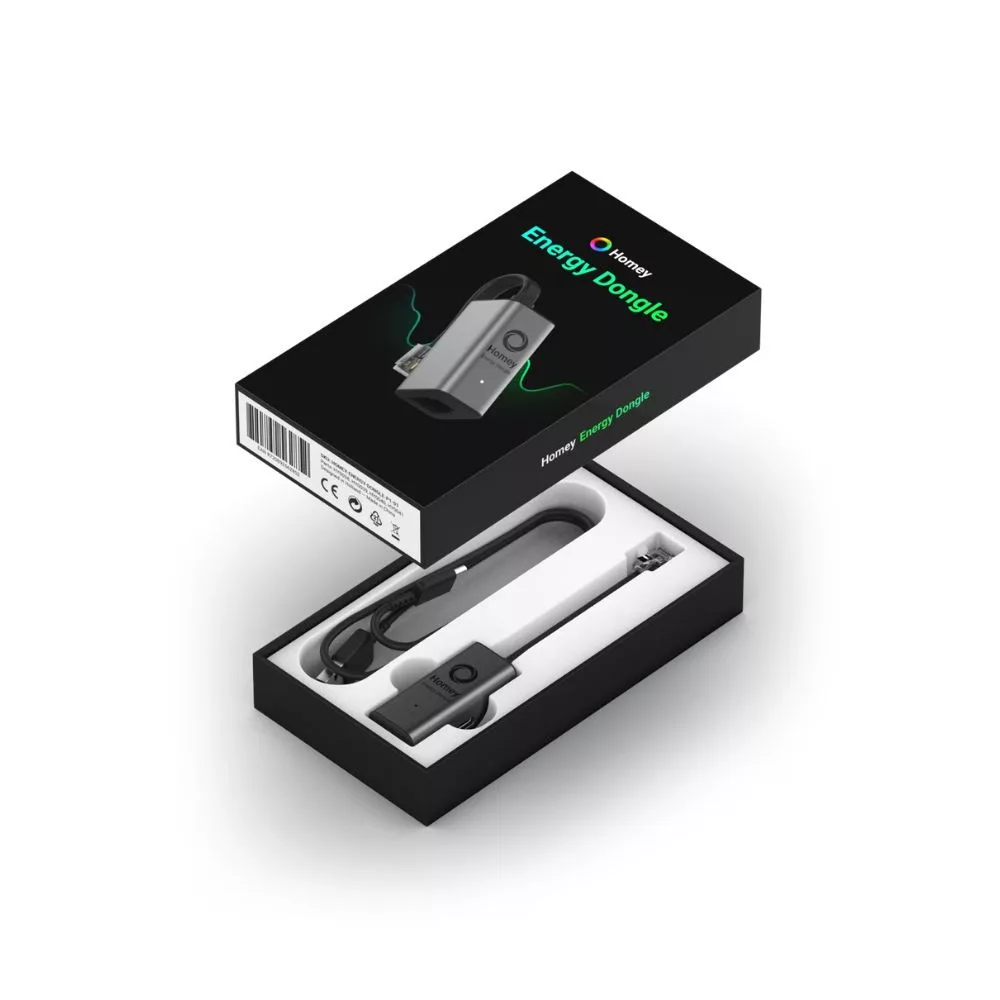
The Homey Energy Dongle is a compact device that connects to the P1 port of your home’s smart meter, providing real-time data to the Homey smart home hub about energy consumption. This enables you to monitor electricity and gas usage, and integrate solar systems, electric vehicles, and batteries for a complete overview.
You can read more about compatible meters here.
With the Homey Energy Dongle, you can easily track your home’s energy consumption, optimize energy usage, and reduce costs—while also contributing to environmental protection.
Key Features:
- Real-Time Energy Monitoring: Track your home’s energy consumption in real time and gain a better understanding of your usage habits.
- Wide Compatibility: Compatible with smart meters that have a P1 port, used in many European countries—including Hungary.
- Easy Installation: Plug the dongle into the smart meter’s P1 port and gain immediate access to energy usage data.
- Built-In Splitter: Allows you to connect an additional device, such as the P1 input of an EV charger, for load balancing.
- Integration & Compatibility: The Homey Energy Dongle seamlessly integrates with Homey Pro (2023) and Homey Cloud, enabling real-time energy monitoring and automation of smart home devices to improve energy efficiency.
The Homey system supports Zigbee, Z-Wave, Bluetooth, Wi-Fi, Thread, IR, and Matter protocols, allowing most smart devices to be integrated.
Installation Guide:
- Connection: Plug the Homey Energy Dongle’s RJ12 connector into the P1 port of the smart meter.
- LED Check: If the LED blinks blue, the dongle is in pairing mode and you can proceed to the next step. If the LED is red or not lit, connect the included USB-C cable to an external power source.
- Pairing: Open the Homey app, go to ‘Devices,’ then tap ‘Add New Device.’ The Homey Energy Dongle will appear automatically—tap ‘Connect’ and follow the instructions.
System Requirements:
- Homey Pro (2023) or a Homey Cloud account.
- A digital smart meter with a P1 port.
Package Contents:
- Homey Energy Dongle
- P1 → Wi-Fi USB cable
- USB-A → USB-C cable
Frequently Asked Questions:
What is a P1 port?
The P1 is a port found on most smart meters installed in Europe. It uses an RJ12 connector to read energy consumption data from the smart meter.
Is an external power source required?
This depends on the type of smart meter. DSMR5 or ESMR5 meters provide enough power for the dongle to operate, while DSMR4 and DSMR2 meters may require an external power supply.
What is the USB-C port for?
If the smart meter does not supply enough power, the USB-C port can be used to connect an external power source.
You can also connect a computer to this port to read raw data in telegram format.
Which protocols are supported?
The Homey Energy Dongle is equipped with built-in Wi-Fi 6 (802.11b/g/n/ax) and Bluetooth 5 LE (2.4 GHz) chips.
Which meters can I use with the Homey Energy Dongle?
You can connect the dongle not only to electricity meters with a P1 output but also to P1-compatible gas and water meters.